
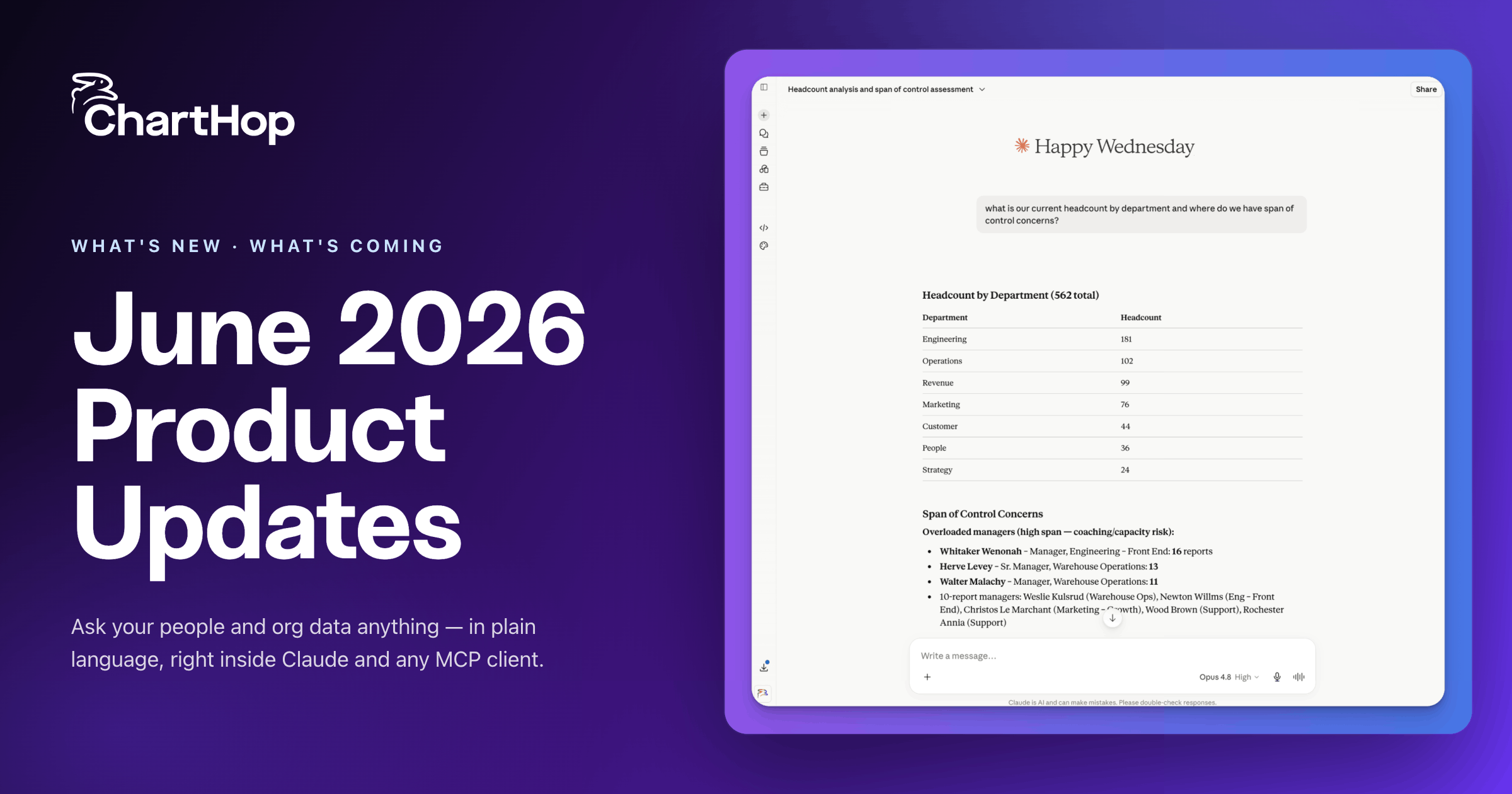
ChartHop is an AI-powered people operations platform that connects workforce, business, and financial data in one place, so HR, Finance, and leadership can plan, operate, and make decisions from a single source of truth. Every six weeks the team ships a new batch of features. This post rounds up the latest release: a new AI module, a Finance-ready view for headcount planning, a built-in talent matrix, deeper ADP integration, and a dozen smaller improvements.
Here's everything that's new.
.png)
ChartHop AI already answers questions about your org. AI Pro lets it do the work too.
AI Pro is a new module for teams that want AI to act, automate, and connect across the tools they already use. Instead of running fixed, rule-based automations, you build agents that read your data, interpret instructions in plain language, and decide what to do next.
What AI Pro includes:
With AI Pro, ChartHop acts as an intelligence layer for how an organization operates, connecting people data to the rest of the business and taking action safely.
.png)
Headcount plans succeed or fail on the cost story. The new Impact tab in Scenarios gives Finance and HR a shared view of a plan's full cost impact: planned headcount, new roles, departures, and total cost change, all in one place.
A waterfall chart breaks down how a plan moves from current total cost to proposed total cost, showing the contribution of new hires, departures, and compensation changes. You can toggle between by-type, quarterly, and monthly views, with a drillable pivot table organized by department, so headcount plans line up with budget cycles at any level of detail.
This connects two teams that usually work from different numbers, giving Finance and People one view of what a hiring plan actually costs.
.png)
The Bubble Chart in ChartHop's Data Explorer now supports a proper Nine Box, a performance and potential matrix that managers use for talent reviews and succession planning. It also scales to twelve-box and sixteen-box layouts.
Two improvements make it easy to read. Dimensions like performance rating now display as colored pill labels (for example, "Meets Expectations" and "Exceeds Expectations") instead of raw numbers, so charts are clear for any audience. Money dimensions show a currency prefix and use evenly spaced ticks, so charts built on compensation data are easy to read at a glance.
Because it's built into ChartHop, the matrix runs on your live people data rather than a static spreadsheet you have to rebuild each cycle.
.png)
ChartHop AI can now make changes, not just surface answers. Through a simple conversation, you can update job titles, reassign departments, change field values, create dashboards, set goals, and assign tasks.
Before anything changes, ChartHop shows a clear summary of exactly what will be updated and waits for explicit approval. It only makes changes the user is already authorized to make, so existing access controls stay fully enforced.
A new AI Credits Dashboard gives admins visibility into AI usage by user, agent, department, and feature, tracked against a monthly allocation so it's always clear where AI is delivering value. Ask ChartHop can also now create and update rows in custom tables, agents in Slack reply within threads to keep channels clean, and admins can pre-load ChartHop AI with company-specific context so responses reflect organizational goals from day one.
.png)
ChartHop can now act as the source of truth for the new-hire flow into ADP Workforce Now. New hires land in ADP with the right onboarding template already applied, more than 100 field mappers push a broad set of employee data on day one, and you can send hires either at offer acceptance or once all fields are ready. ChartHop also translates values into ADP's required formats automatically, so there's no manual pre-formatting.
This release also includes a set of smaller, customer-requested updates:
A few features are in early access and rolling out soon: a Scenario Audit Log for full change history across headcount plans (now in beta), a 15Five integration that syncs performance review data into ChartHop, a drag-and-drop home page builder, and a new Greenhouse API integration. Job Codes, which standardize titles, levels, and comp bands with an AI-powered matcher, have graduated to general availability.
ChartHop helps HR, Finance, and leadership plan, operate, and make decisions from one connected platform. Request a demo to see these features on your own org data.

.png)

Seven HR and business leaders share how they actually do headcount planning. Five minutes each. One framework each. From backfills to AI scenario planning, this guide captures the key takeaways.

Use this free library of AI prompts designed for tools like ChatGPT and Ask ChartHop to streamline workflows, improve decision-making, and save time across hiring, onboarding, performance, and vendor evaluation. Built by and for HR leaders.
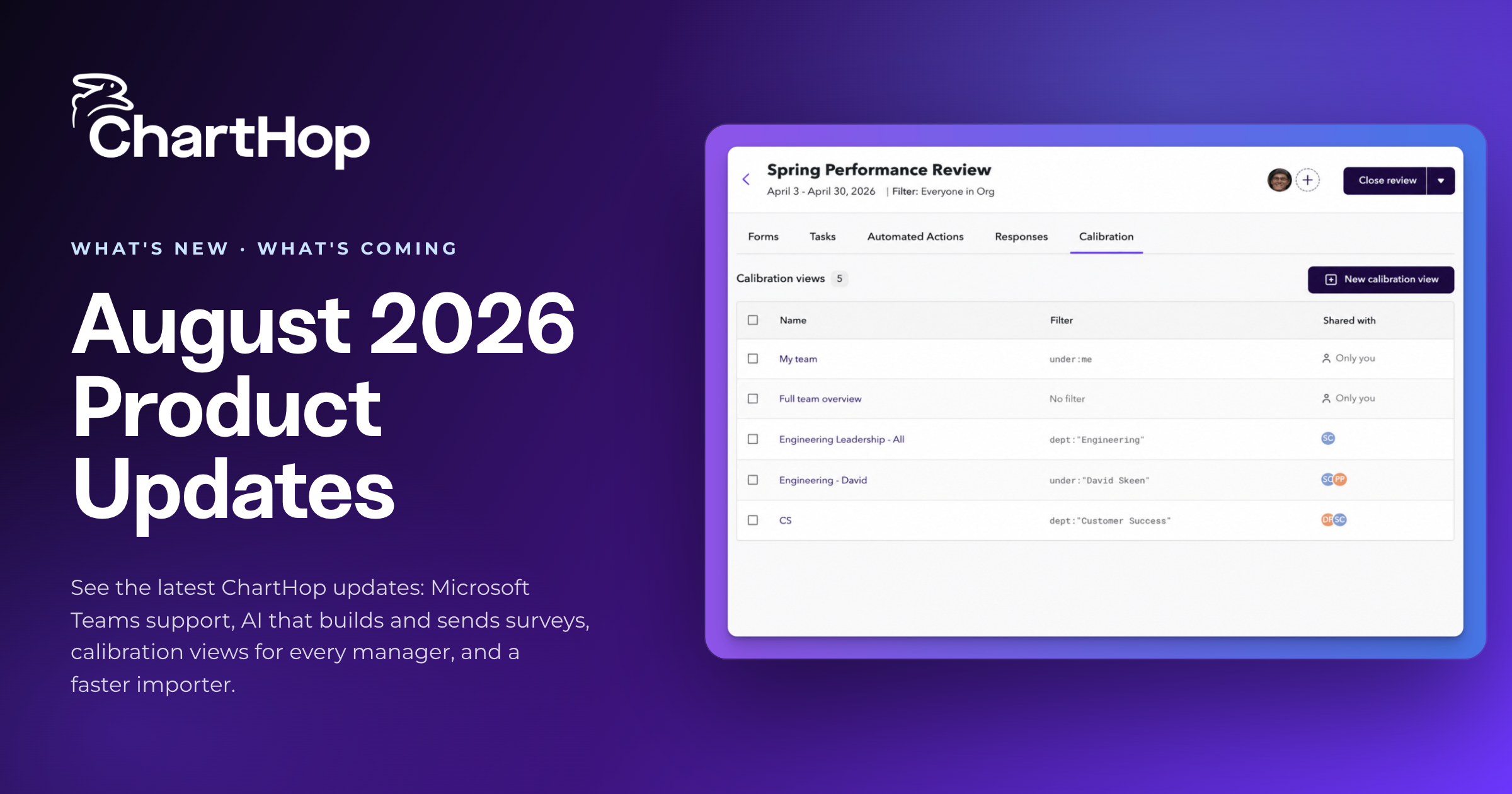
See the latest ChartHop updates for August 2026: Microsoft Teams support, AI that builds and sends surveys, calibration views for every manager, and a faster importer.

A practical playbook for putting AI agents to work in HR and people operations, from choosing the first workflow to setting guardrails and measuring results.

See how an HRIS and HCM differ, the core modules to expect, and 5 criteria mid-market teams should weigh before buying. Compare the top platforms for 2026.