Headcount planning has always been high stakes. It's where strategy, budget, and people collide, and where mistakes are expensive, slow to undo, and highly visible.
Yet most organizations still plan headcount the same way they did a decade ago: spreadsheets, gut checks, and a lot of back-and-forth emails. According to McKinsey's 2025 HR Monitor, only 12% of HR leaders say they do strategic workforce planning with at least a three-year focus. As budgets tighten and executives demand more accountability, that approach breaks down fast.
AI-powered headcount planning is changing that. Not by replacing human judgment, but by making scenario building faster and decisions clearer. This post breaks down what AI headcount planning actually is, how it changes the planning process, and how ChartHop puts it into practice.
AI headcount planning uses artificial intelligence to turn traditional workforce planning—manual, spreadsheet-heavy, always a quarter behind—into dynamic, real-time decision-making. It lets organizations create, analyze, and compare workforce scenarios with a speed and accuracy that spreadsheets simply can't match.
Here's what that looks like in practice:
In short: AI turns headcount planning from a slow, manual exercise into a process that keeps pace with your business.
Not all AI tools work the same way here, and the difference matters.
General-purpose AI tools (like large language models) can help you think through workforce strategy: pressure-test assumptions, explore tradeoffs, draft planning questions. But because they don't have access to your actual people data, compensation structures, or org rules, they require heavy manual input and careful data anonymization. That makes them useful for thinking, not for executing.
Purpose-built AI headcount planning tools like ChartHop work directly with your live people data. They understand your org structure, compensation bands, budget constraints, and access permissions so you can model scenarios, see real financial impact, and collaborate on decisions without rebuilding context every time.
The rest of this post focuses on what purpose-built tools make possible.
AI doesn't just speed things up. It changes how planning happens.
Three shifts stand out most.
Before AI: Weeks to model a single reorganization. High risk of manual errors. One version at a time.
With AI: Multiple scenarios created and compared in minutes, with automated calculations, real-time budget impact, and built-in compliance checks.
Want to see what happens if you delay hiring by one quarter? Add 20 engineers instead of 15? Shift budget from one department to another? With AI-assisted headcount planning, those scenarios take minutes to build, compare, and refine, not weeks.
Before AI: Manual, time-intensive modeling for each budget scenario. Always one step behind.
With AI: Instant calculations that update across roles in real time.
This isn't just faster math. AI grounds every decision in actual data: fully-loaded costs that include benefits, taxes, and the expenses that often get missed in back-of-napkin calculations. You can model multiple scenarios simultaneously, forecast across different time horizons, and see exactly how spend shifts between departments and roles. The result: budget commitments backed by accurate data, not estimates.
When leadership asks "What happens if revenue slows?" or "Can we still hit our goals if we freeze hiring?" AI-powered planning gives HR and Finance a real answer, not a hedge.
Most HR platforms treat workforce planning as an afterthought. We didn't. ChartHop was built for planning from the ground up, and that distinction shows in how the product actually works.
At the core is a unified people graph: HR, Finance, and business data in a single model. When you plan headcount changes in ChartHop, you're not juggling multiple spreadsheets or systems. You're working with live, interconnected data that automatically calculates budget impact, maintains org chart accuracy, and tracks diversity metrics in real time.
ChartHop also connects to your broader HR tech stack through an open API and an expanding integration ecosystem, so your workforce data stays unified as your toolset evolves.
Take Scout Motors, for example. They grew from 25 to 700 employees in under two years. Early on, their leadership team ran everything through a master spreadsheet. After moving to ChartHop, they gave leaders a real-time visual of the org, let managers run their own reports without waiting on People Ops, and kept headcount planning connected to actual growth targets. Read their full story →
Ask ChartHop is our conversational AI assistant built directly into the planning workflow. Instead of building complex formulas or wrangling pivot tables, your team can just ask:
Ask ChartHop doesn't just answer, it acts. It builds complete scenarios with job descriptions, reporting structures, and start dates. It creates visual org charts showing before-and-after team structures. It updates cost calculations automatically, covering base pay, variable comp, equity, benefits, and taxes. And unlike bolted-on AI features that hand you an answer and leave the execution to you, it respects role-based permissions from the start - Finance sees budget data, HR sees compensation details, managers see their team's planning scope - while keeping data integrity intact across all connected systems.
ChartHop's AI is natively integrated into our scenario planning engine. This isn't a general-purpose chatbot with access to your HR data. It's purpose-built workforce intelligence.
Side-by-Side Scenario Comparison: Run multiple hiring plans at once. Compare aggressive growth, conservative hiring, and skills-focused approaches with live budget calculations, timeline projections, and risk assessments all in one view.
Cross-Functional Collaboration: HR builds scenarios, Finance reviews budget impact, and department heads refine team structures all in the same platform, with real-time updates and full audit trails.
Seamless Execution: Once scenarios are approved, they don't sit in a separate planning tool. They become your actual org structure, job postings, and budget allocations. One-click publishing.
Dynamic Reforecasting: When market conditions shift, you don't start over. Tell Ask ChartHop to adjust existing scenarios "Update all plans assuming a 15% budget reduction" or "Accelerate engineering hiring by two months" and it's done.
Organizations are being asked to do more with less, and that pressure isn't going away. The teams that navigate it best will be the ones that can model change quickly and tie people decisions directly to business outcomes.
AI headcount planning isn't about removing human judgment from the equation. It's about giving HR and Finance the clarity, speed, and confidence to make better decisions together, and to back those decisions with data, not guesswork.
If you want to go deeper on building a strong headcount planning foundation, our 5-step headcount planning checklist is a good place to start. And if you're navigating the push-and-pull between executive budgets and manager requests, check out our guide on balancing top-down and bottom-up headcount planning.
Ready to see it in action? If you're still planning headcount with spreadsheets and gut checks, there's a better way.
Explore Headcount Planning with ChartHop →
Or see how ChartHop's AI fits into your planning workflow firsthand. Request a demo →


Learn how hybrid headcount planning combines top-down financial discipline with bottom-up operational knowledge — and why real-time scenario modeling and approval workflows make it work.

Learn why headcount planning matters and how to create a strategic headcount plan with these five steps.
See how AI-powered headcount planning helps HR and Finance teams build scenarios faster, model real-time budget impact, and make confident workforce decisions without the spreadsheets.
Learn how hybrid headcount planning combines top-down financial discipline with bottom-up operational knowledge — and why real-time scenario modeling and approval workflows make it work.
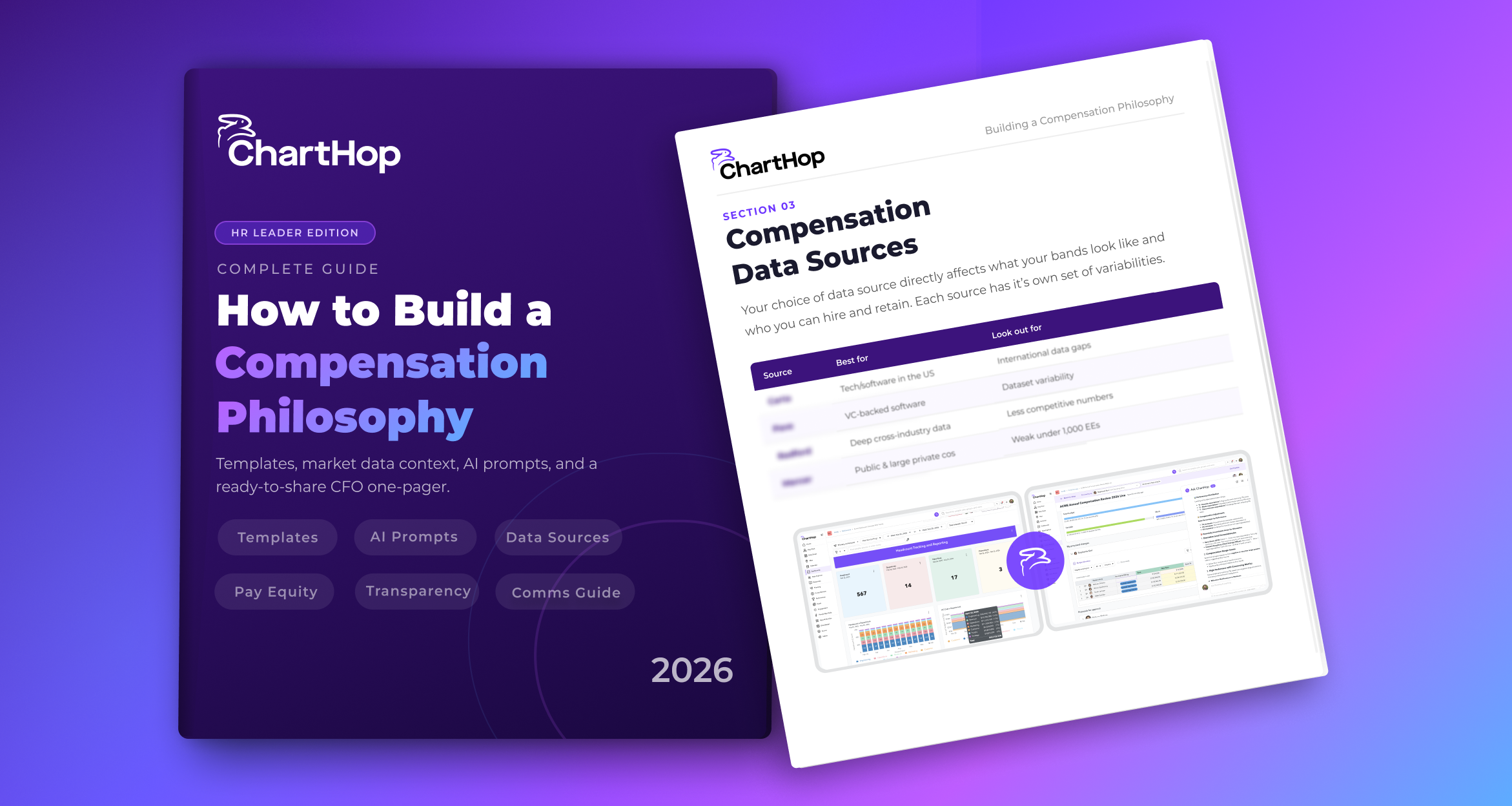
A section-by-section guide to building a comp philosophy with templates, a data source comparison, bias research, and 6 AI prompts. Whether you are building from scratch or looking for a revamp, this is the guide for you.